.png)
I want to change the text on the invitation emails
Updated
It is possible to edit the texts in the invitation emails. This can be achieved through the Form Builder.
NB: If you don't have prior experience using our form builder we advise you to contact us at support@verified.eu for guidance.
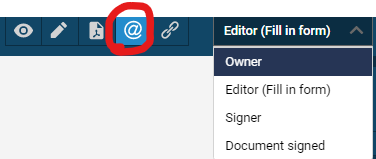
Select the correct form and access the form builder. In the top right-hand corner of the form builder, you need to select the @ icon and the right role.
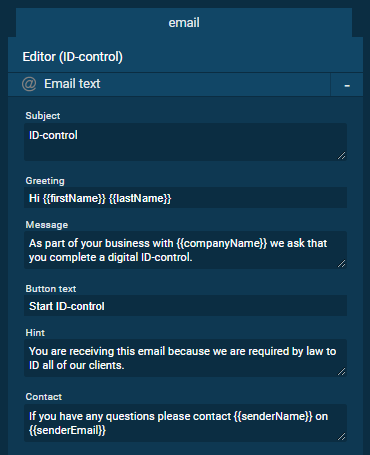
You will then be able to edit the message in the right-hand panel:
When you are done editing the desired text it is important to save the changes. This is done by clicking the save button in the top right corner.