.png)
How does ID-control work?
ID-controls are carried out using, for example, a mobile Bank ID, which is sent to the person to be signed via the AML portal. See below for further instructions on how to proceed with an ID-control.
Once you are logged in to the AML portal and have created a customer project, go to the Persons tab.
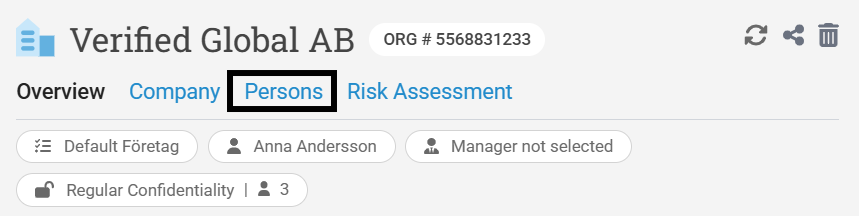
Here you will see that it says ID Control and that you can choose Manual ID or Send ID.
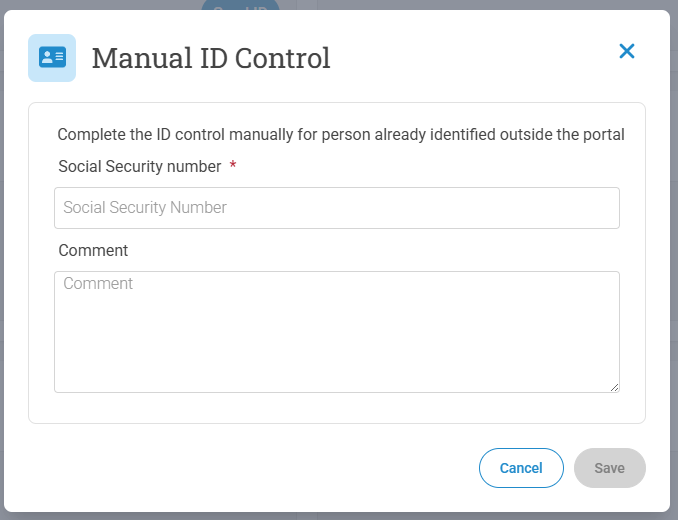
Manual ID means that you can complete the ID check manually for the person if he or she is already identified outside the AML portal.
If you want to use this method you click on Manual ID and then fill in the social security number and an optional comment, then click on save.
You can also set the social security number and comment to be mandatory.
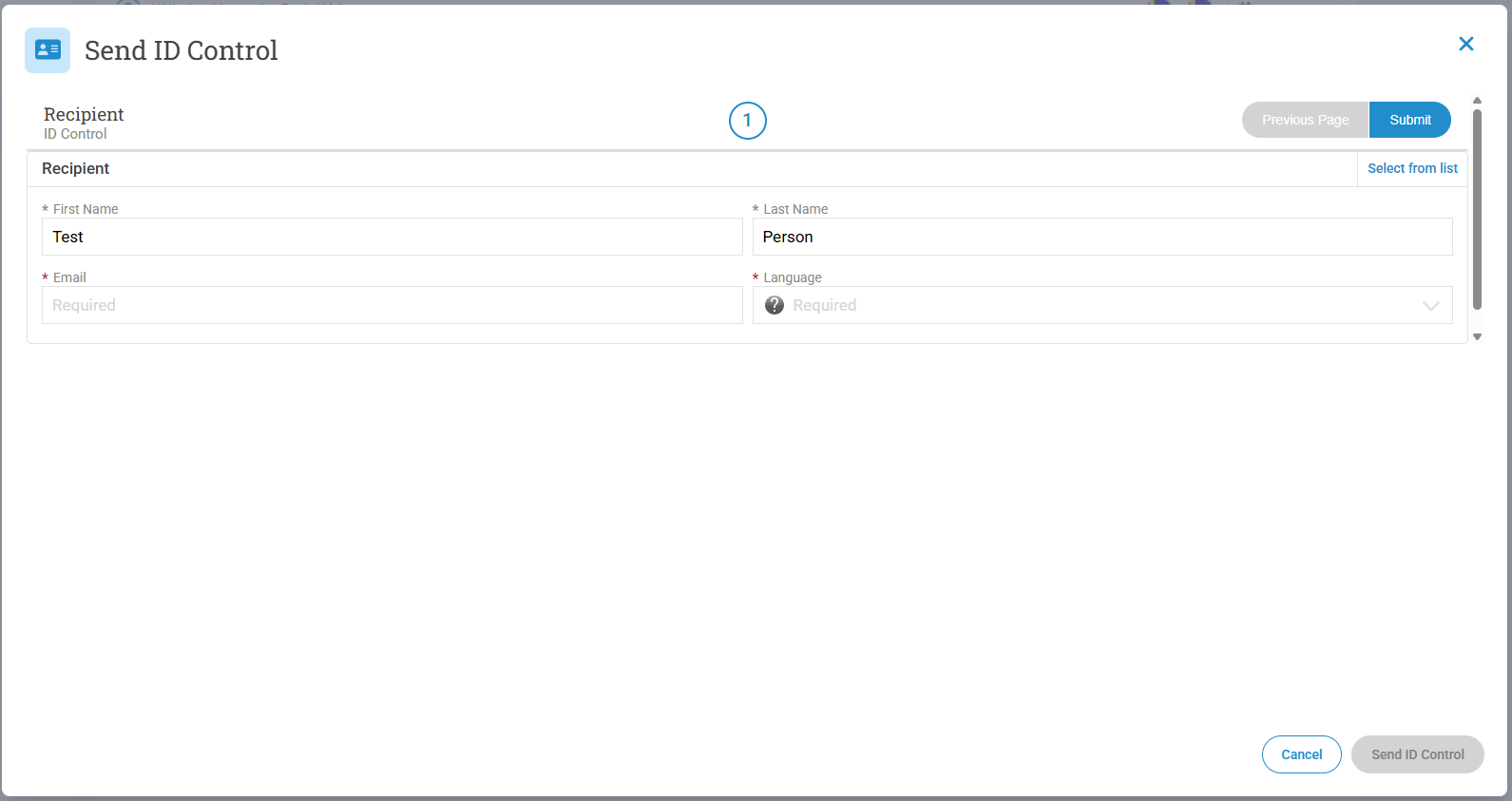
To send out an ID Control, click on send ID. Then fill in the necessary information and click on send ID Control.
An email will now be sent to the person who will sign. When this is completed you will see this on the person card.