.png)
How to report problems regarding envelopes, as a Verified user
Updated
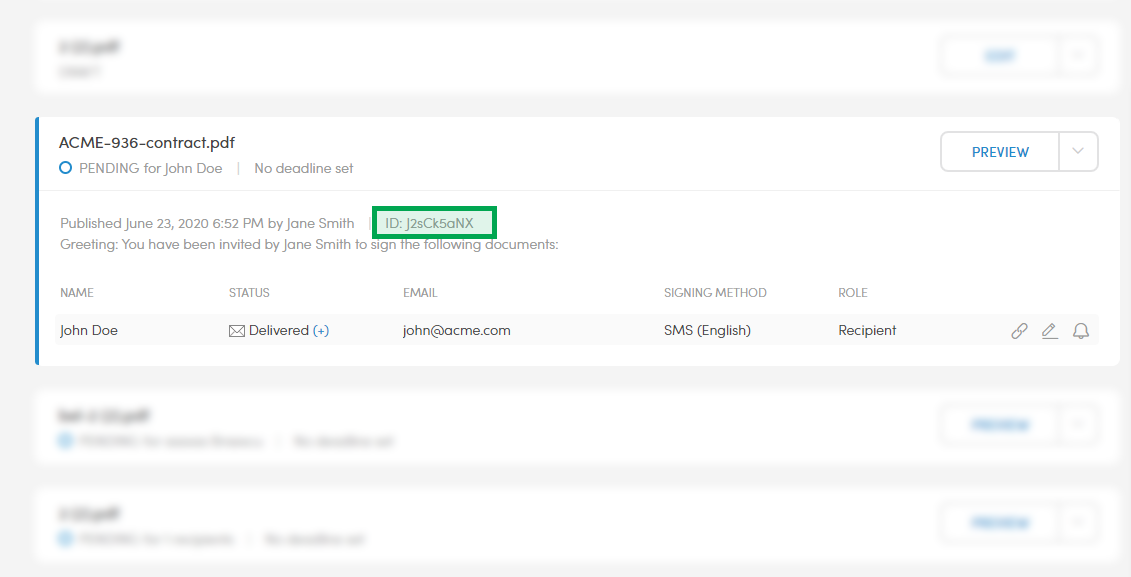
The most common type of problems that users come across revolve around envelopes. After it has been published, each envelope will have an unique ID. In order for you to be able to report issues in a matter that ensures a swift response, you need to include the envelope's ID.
That can be found in the Dashboard and Archive, for envelopes that have been Published, by expanding the envelope.
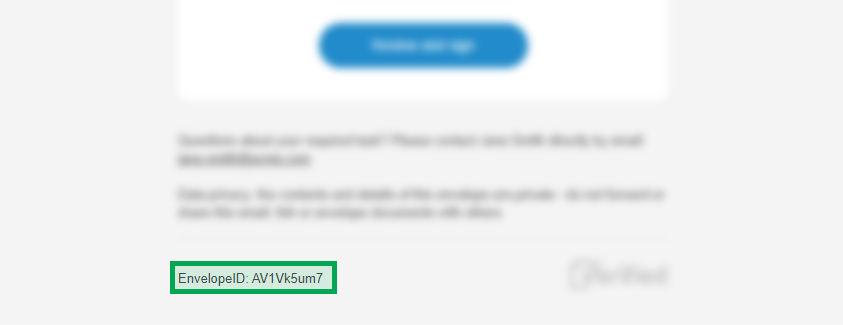
And you can also find it in the footer of the emails that went out.
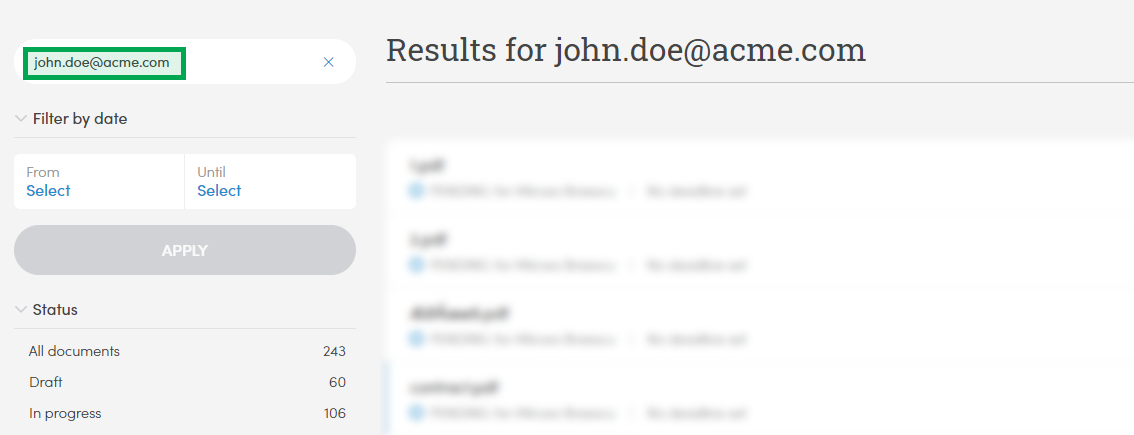
If the envelope was sent a long time ago and you don't have easy access to it, you can simply search for the recipient by name or email address both in your email client and in the Archive:
Once you have the envelope ID, you have what you need to contact Verified's support team.