.png)
I need to correct an error in a filled or signed Self Declaration Form
If you need to correct or update an error in a filled and signed Self Declaration Form you can do so by reading this article.
This article contains guides for both AML 1.5 and AML Next Gen versions
AML 1.5
In AML 1.5 you can either wipe the data from the form by clicking the trash -icon or keeping old content by clicking the arrow -icon.
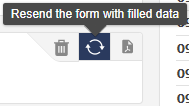
Resend the form with filled data
By clicking the arrow -icons you can keep the old data in the form and send it again for the recipient for editing and signing.
Note that the recipient needs to sign the form again in order for this step to be completed.
Wipe the form
By clicking the trash -icon you will delete all old data from the form, except the data that was fetched using company search.
Note that the recipient needs to fill all the details for the form again and also sign the document for this step to be completed.
AML Next Gen
In AML Next Gen you can either Archive Form or you can Edit Form. Archiving the form will erase all content from the document and editing the form you're keeping the old data.

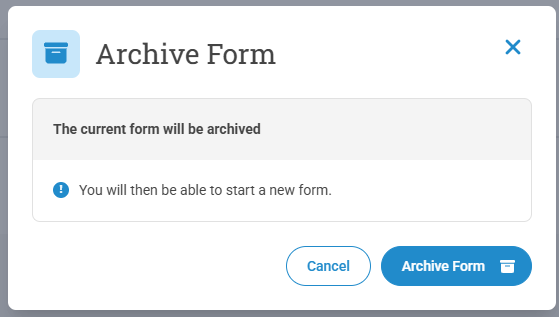
Archive Form
By clicking Archive Form from the dropdown menu you can erase all data from the form, except the data that was fetched using company search.
Note that the recipient needs to fill all the details for the form again and also sign the document for this step to be completed.
Edit Form
By clicking Edit Form you will be able to keep the old data and update and/or correct the data filled by your customer. This will open up the form in the Owner -role and you can edit the form before you can send it for the recipient.
Note that the recipient needs to sign the form again in order for this step to be completed.