.png)
Feature update: We've improved the signing process with FTN
1. Is this relevant to me?
This feature is relevant to you if you have documents that need to be signed by Finnish customers.
2. What is it?
We have introduced two signing methods, to fully support FTN (Finnish Trust Network):
-
Finnish BankID E-Ident - although this was already supported by the Verified Platform, by using the Tupas signing method, the new one simplifies the process and also removes the 3.5MB file size limit of the previous method
-
Mobiilivarmenne E-Ident - this method is brand new to our platform
3. How can I get it?
The FTN signing methods require setting up certificates, and will be enabled on demand. If you wish to make use of this feature simply leave a message to our support staff via email at support@verified.eu
4. Is this available for API users?
Yes, this method is available via our API, and you can read more in our API documentation page.
5. How does it work?
Once the methods have been enabled for your company, they should show next to the existing methods in the Verified web app:
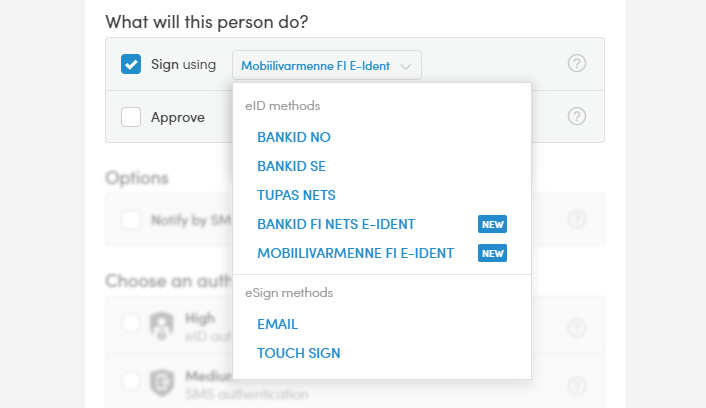
or be available via our API.
5.1 Finnish BankID E-Ident
Here is difference between the old signing method and the new one, from the recipient's perspective:
| NETS Tupas (the old method) | Finnish BankID E-Ident (the new method) | |
|
1. Start the signing process |
|
1. Start the signing process |
|
2. Review the document again |
|
|
|
3. Select a bank in order to sign |
|
2. Select a bank in order to sign |
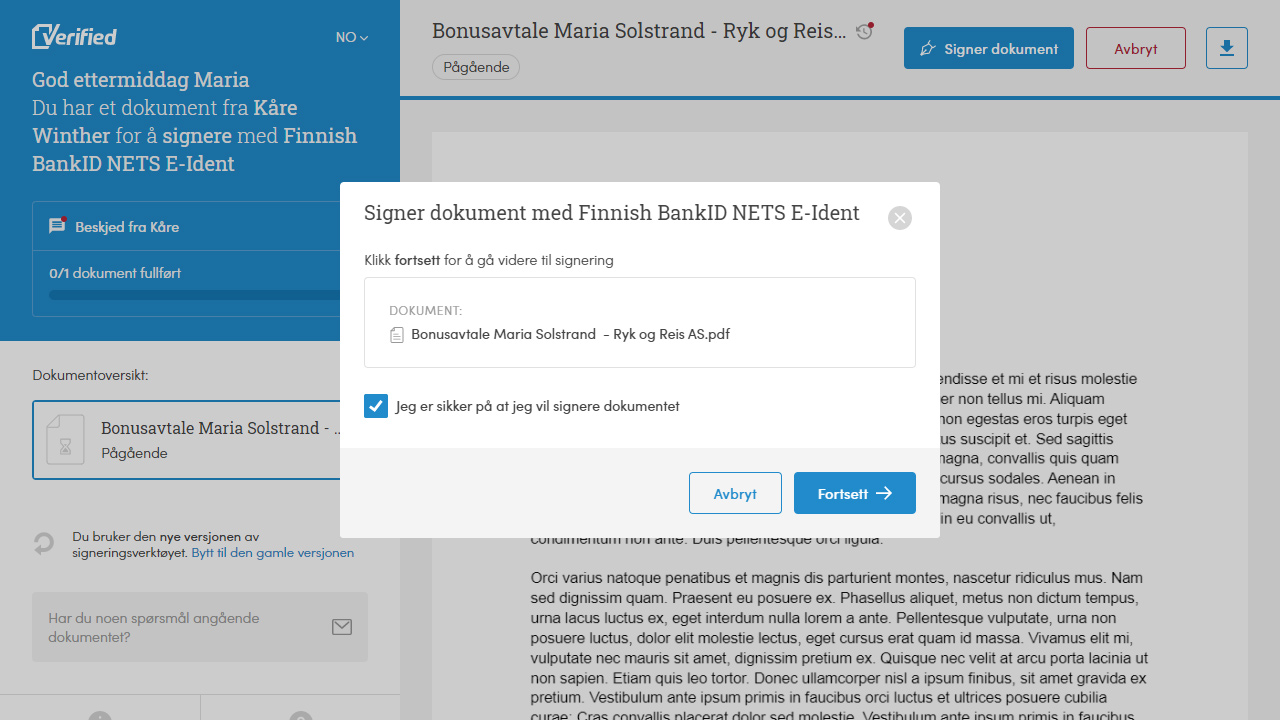
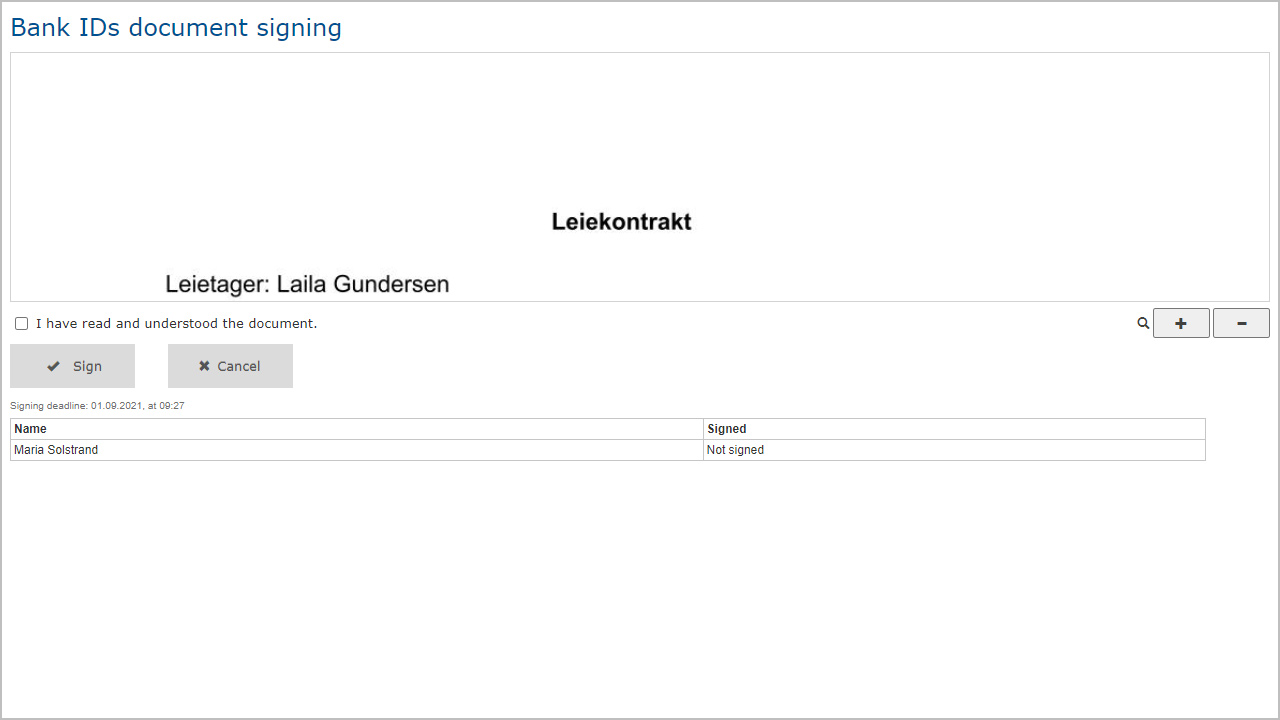
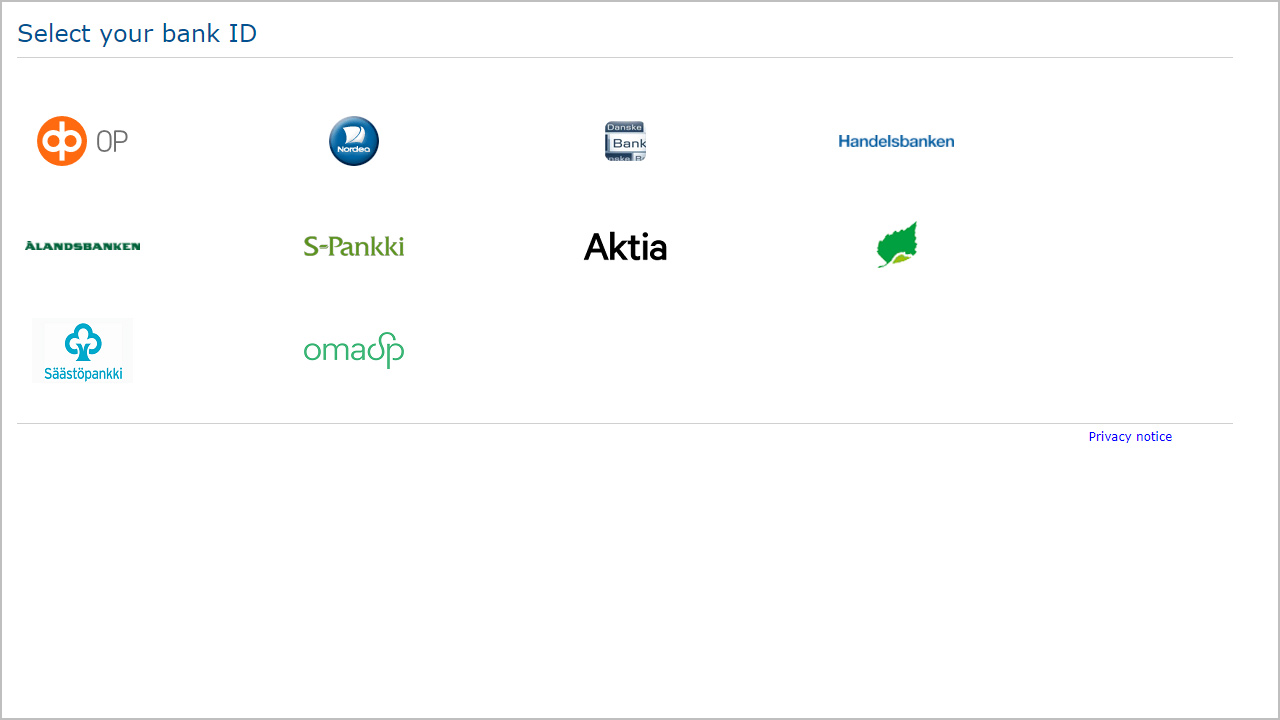
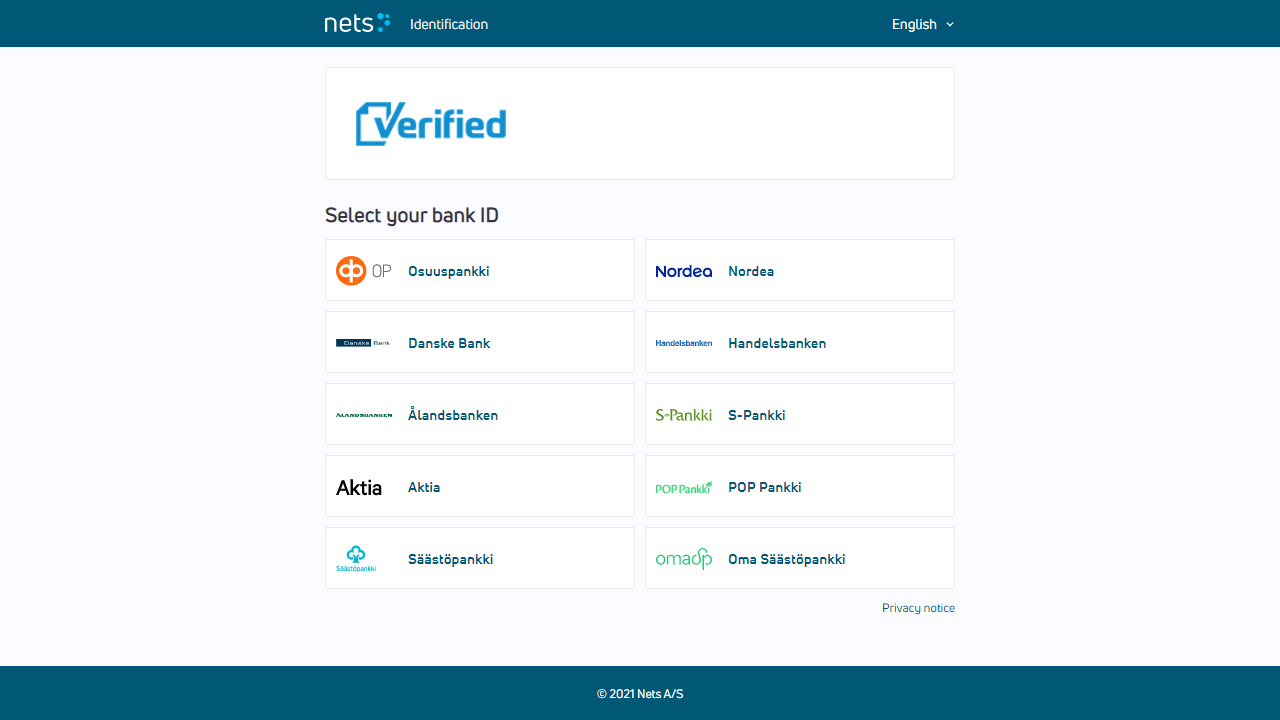
As you can see the new method does away with reviewing the document a second time, in the BankID app, and takes the user straight to selecting a bank.
In addition to this improvement the new method no longer has the 3.5Mb file size limit, and instead uses the Verified platform's default file size limitations (<10MB recommended, 20MB maximum)
5.2 Mobiilivarmenne E-Ident
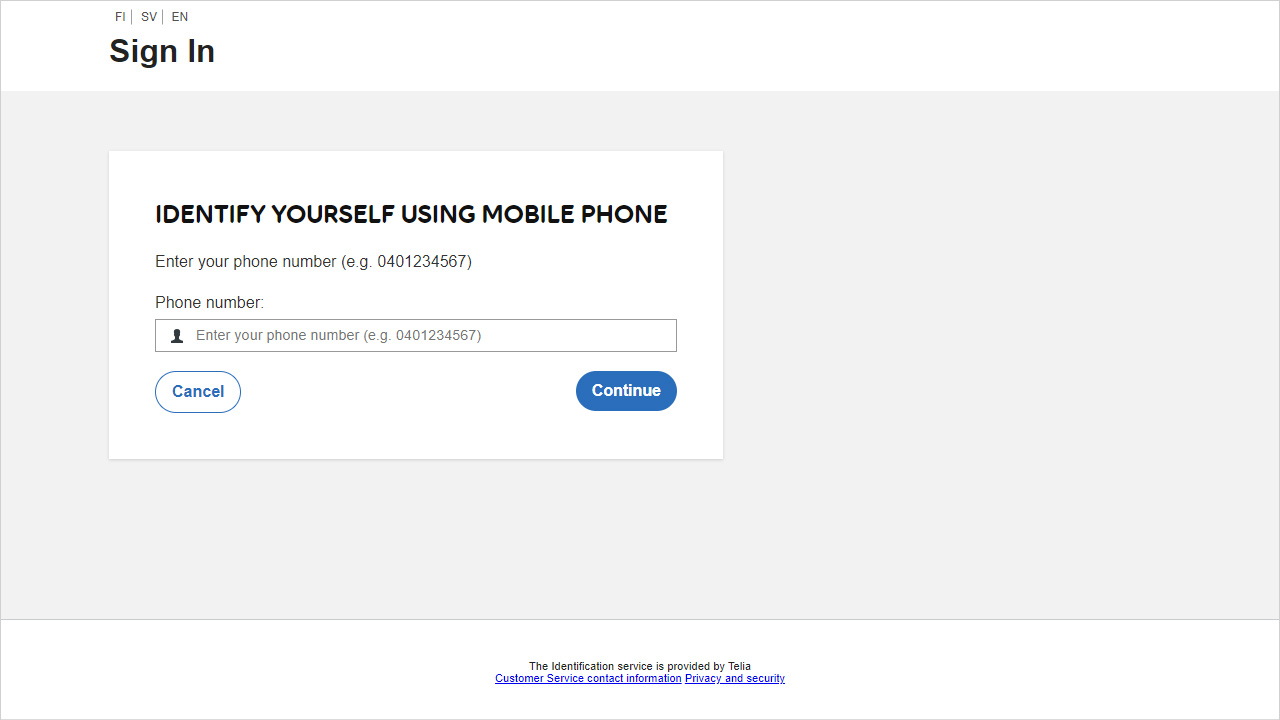
This method requires the recipient to enter their phone number