.png)
Overview customer card
The purpose of this article is to make it easier for you to navigate the customer card and understand the different tabs.
In the overview you will see the different steps of the KYC process. For more infomation about the steps click here (insert article)
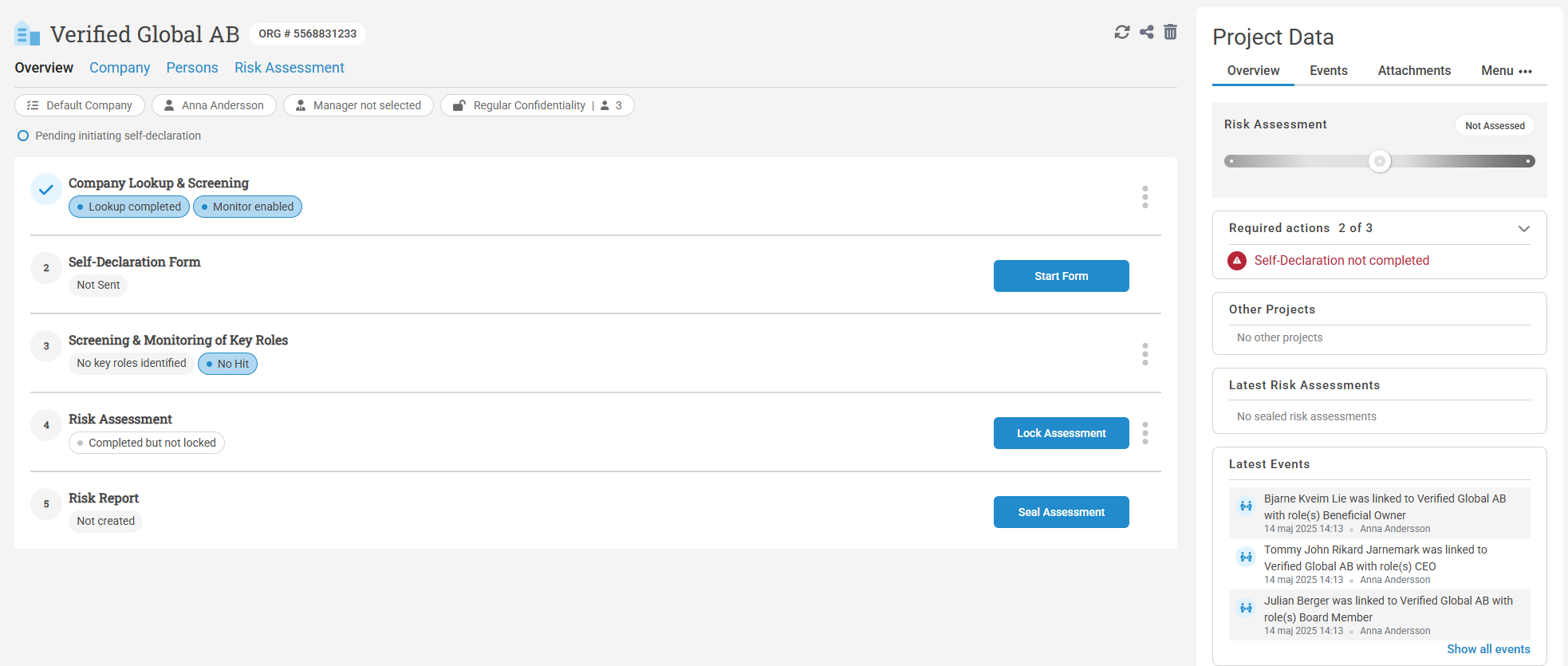
- Default company is the flow the customer belongs to
- Assignee- the person who owns the project. Will automatically be the person who created the project. Can be changed to anyone who has acccess to the project.
- Customer Manager
- Edit project access-When a project is marked as confidential, Privileged and Admin users will not be able to access it unless granted exclusive access
- The three buttons on are:
 - Refresh page
 - Edit project access-When a project is marked as confidential, Privileged and Admin users will not be able to access it unless granted exclusive access
 Delete project

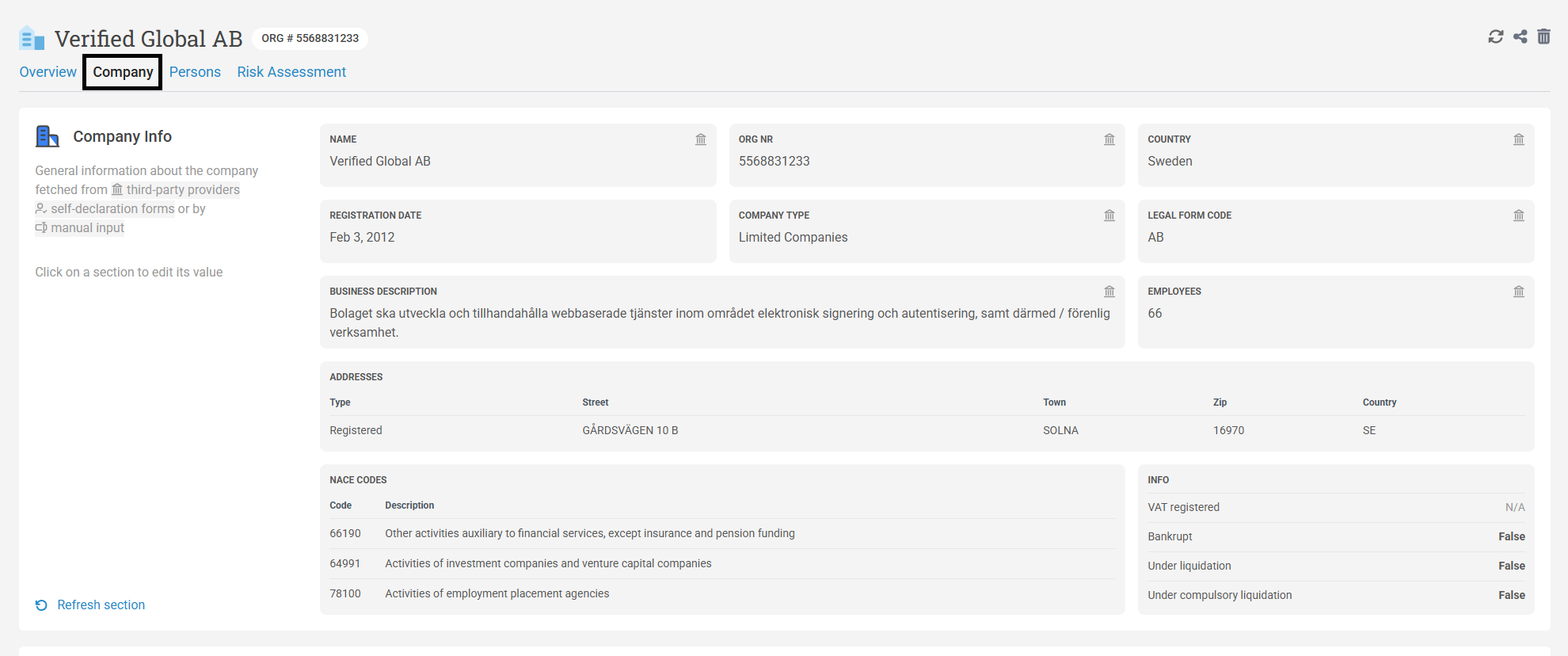
On the Company tab you will be able to see an overview of the company.
Verified retrieves company information for Sweden, Norway, Finland and Denmark. For customers outside these countries you will need to manually fill in the information in the KTC form.
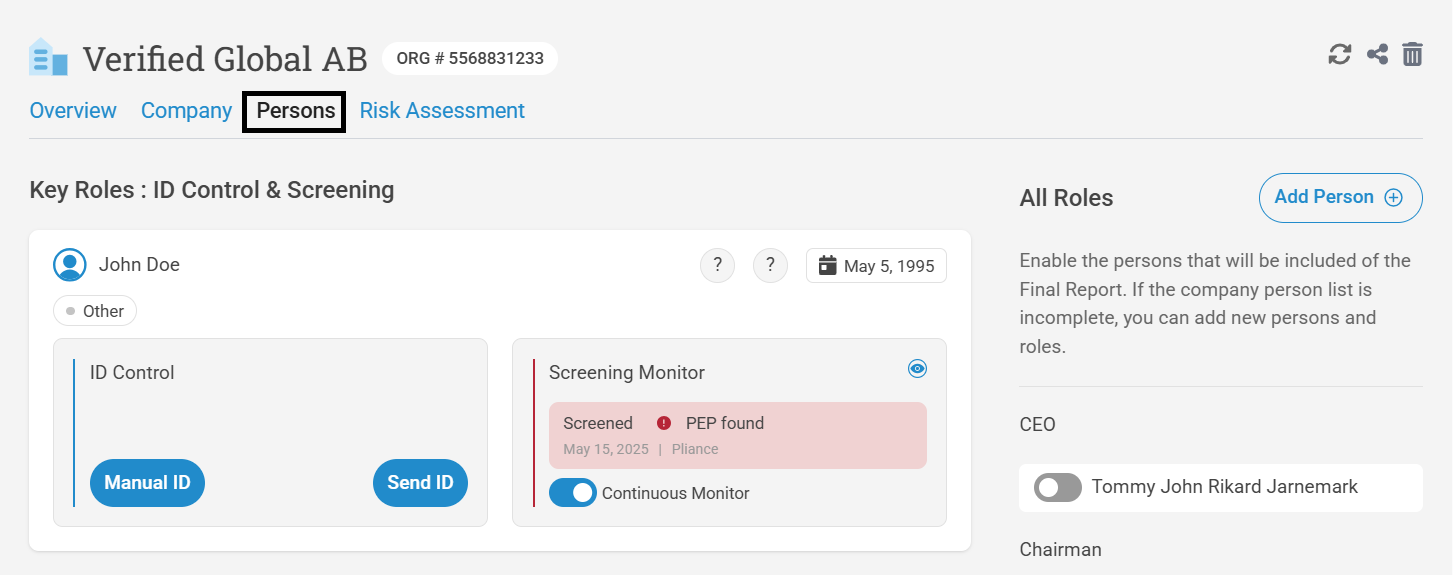
The persons tab shows persons associate to the company for more information on screening click here(insert article) and for Id controll click here (insert article)
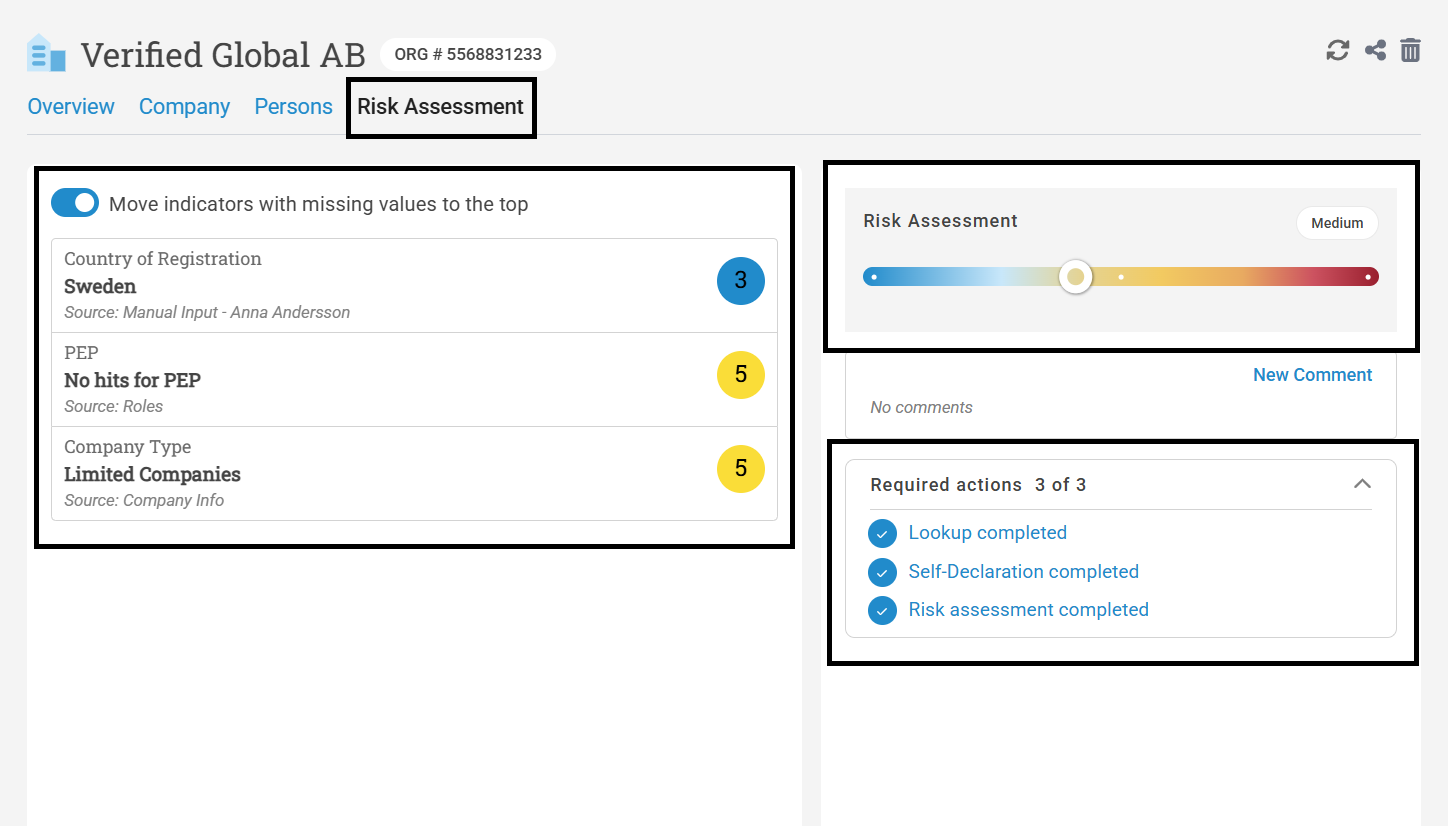
The tab for the risk assesment shows en overview of the risk matrix.
This can be a mix of values taken from the KYC form, the company information, the screening and manually added questions.